
Errors
During the initial operation of the DWG Processor Application you may receive one or more of the errors described below. This page will give some reasons for those errors and how to resolve them.
No DWG Processor License Error
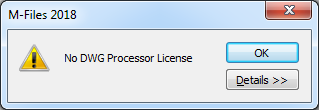
This error occurs when the DWG Processor Application does not have a valid license installed. This can happen for the following reasons:
- A license was not installed
- A time limited license has expired
- A trial license has expired
- The license is no longer valid (e.g. the M-Files serial number has changed)
A license must be installed or reinstalled. See Licensing for more information.
The specified module could not be found
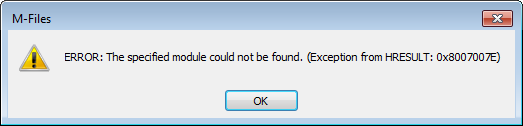
This error occurs when the Visual C++ Redistributable for Visual Studio 2015 (x64) has not been installed.
See Prerequisites for more information.
RPC Error
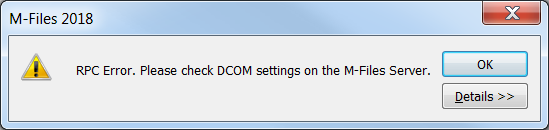
This error occurs when the DCOM security settings have not been changed as described in this help file. If they are correct, then the M-Files Server service might need restarting.
Please see DCOM Settings for more information.
Also See
Licensing
Prerequisites
DCOM Settings