Licensing
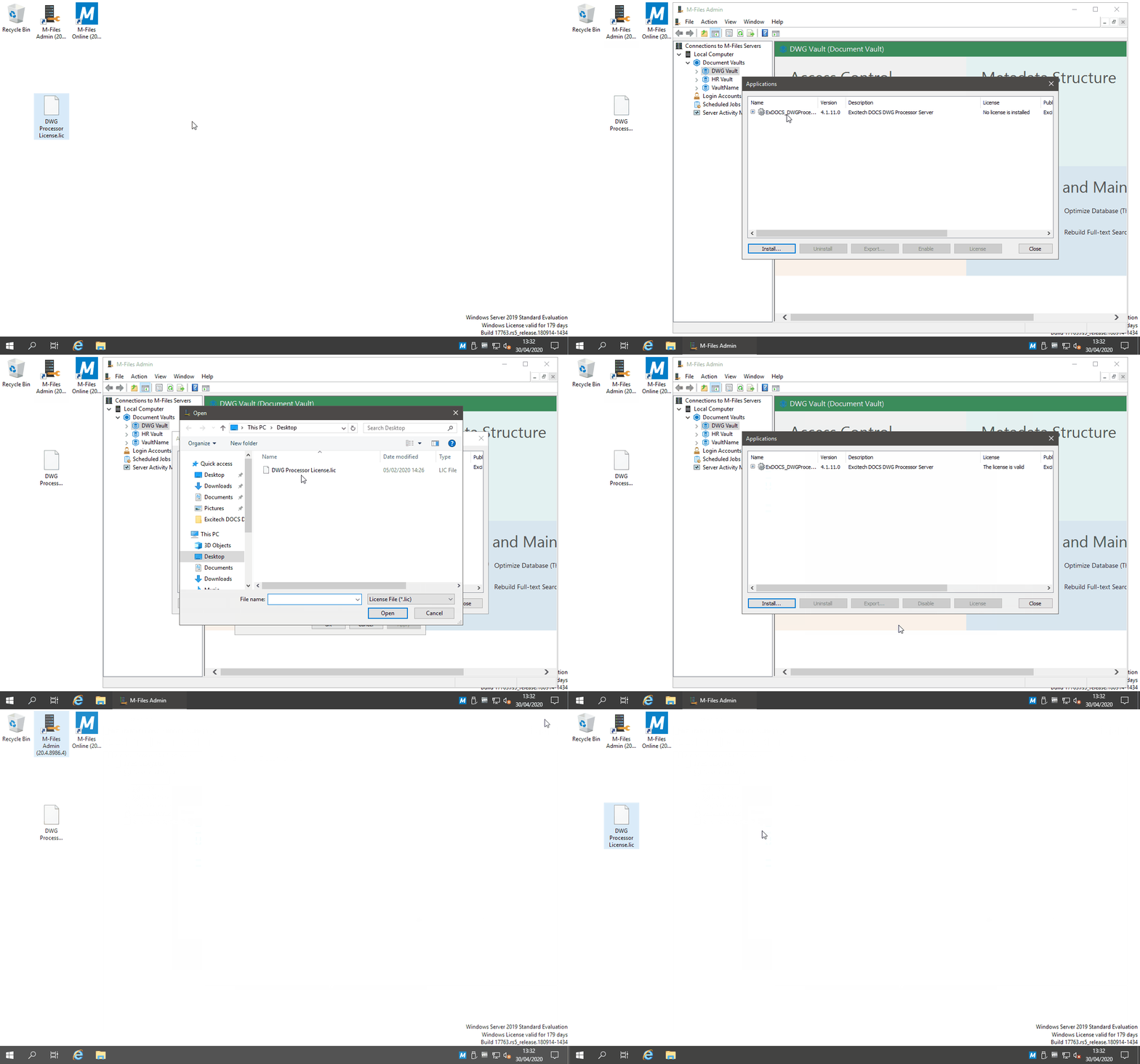
Before you can use the DWG Processor Application, you need to install a valid license. A license file can be obtained from Pentagon Solutions and is linked to the M-Files installation via the M-Files License Serial Number (xxx-xxxxxxxx).

After installation, the Application has a status of 'No license is installed'. Each Vault with the DWG Processor Application will need to have a license added. The same license file can be used across multiple Vaults on the same M-Files server.
To add a license to a Vault, open the M-Files Admin tool on the server. Right-click on the Vault you wish to install the license. From the context menu, select 'Applications'