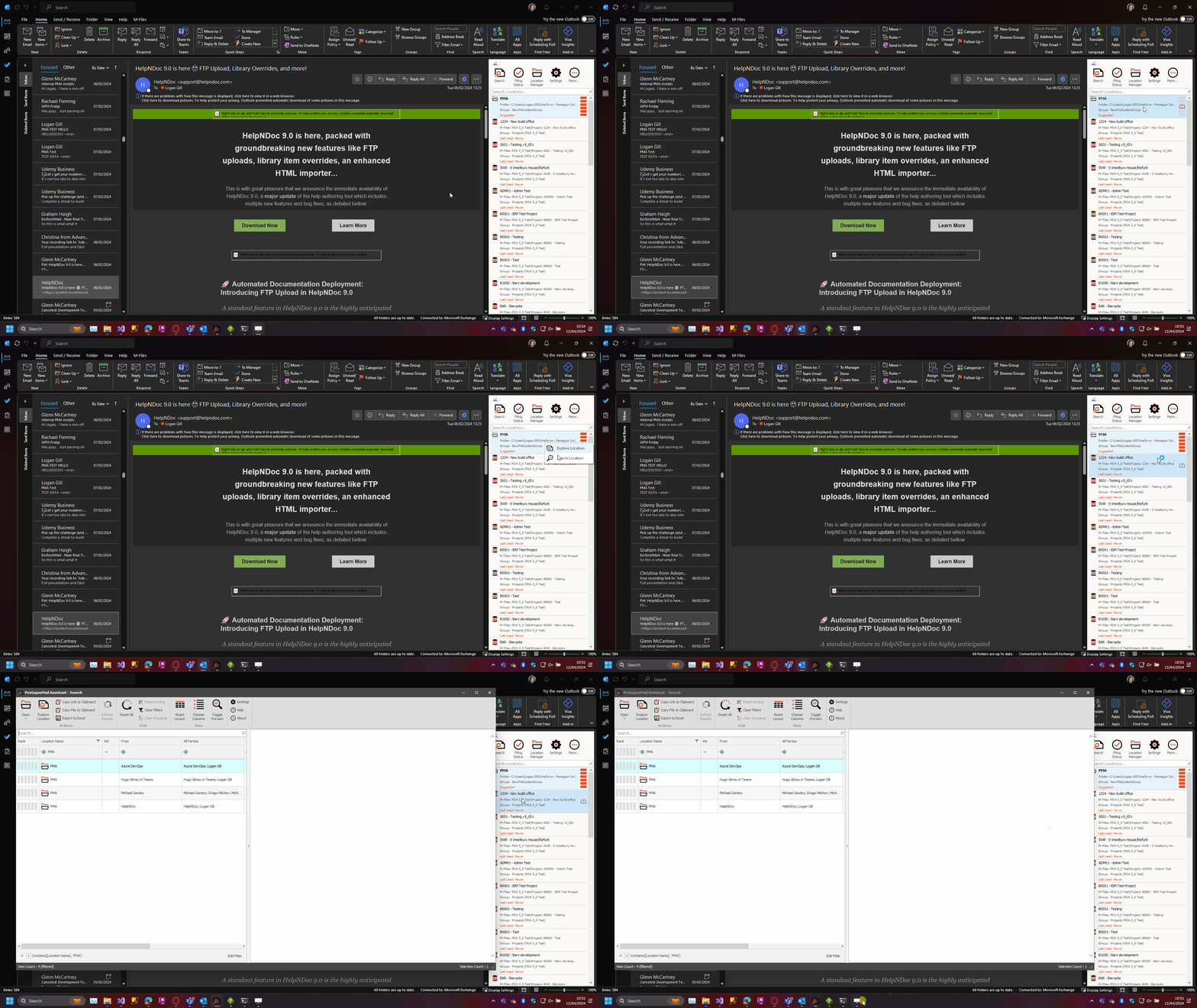
Search - Launch by Right-Clicking a Filing Tile
If you launch the Search by right-clicking a tile and selecting Search Location, PentagonMail Assistant will additionally:
- Add the selected location to the indexer's list, if not already added.
- It will initially have to scan the location for existing messages which may take some time if there are many or the connection is slow, but subsequent searches of the same location will be fast and the indexer will continually monitor and update it's search index when messages are added to the location.
- Filter the results to just those in the location you selected
- This saves time as you don't need to first launch the search tool and then enter a filter.
In the case the "Index used locations only" setting is active, if this is the first time the user has searched the location and he/she have never filed any messages onto it, the below message will be shown explaining that an initial scan will be conducted and some slowness may be experienced.

In the example below, this location is not new to the user, so it opens and displays the results almost instantly. As mentioned above, the results are already pre-filtered, helping the user find the right information with fewer clicks.