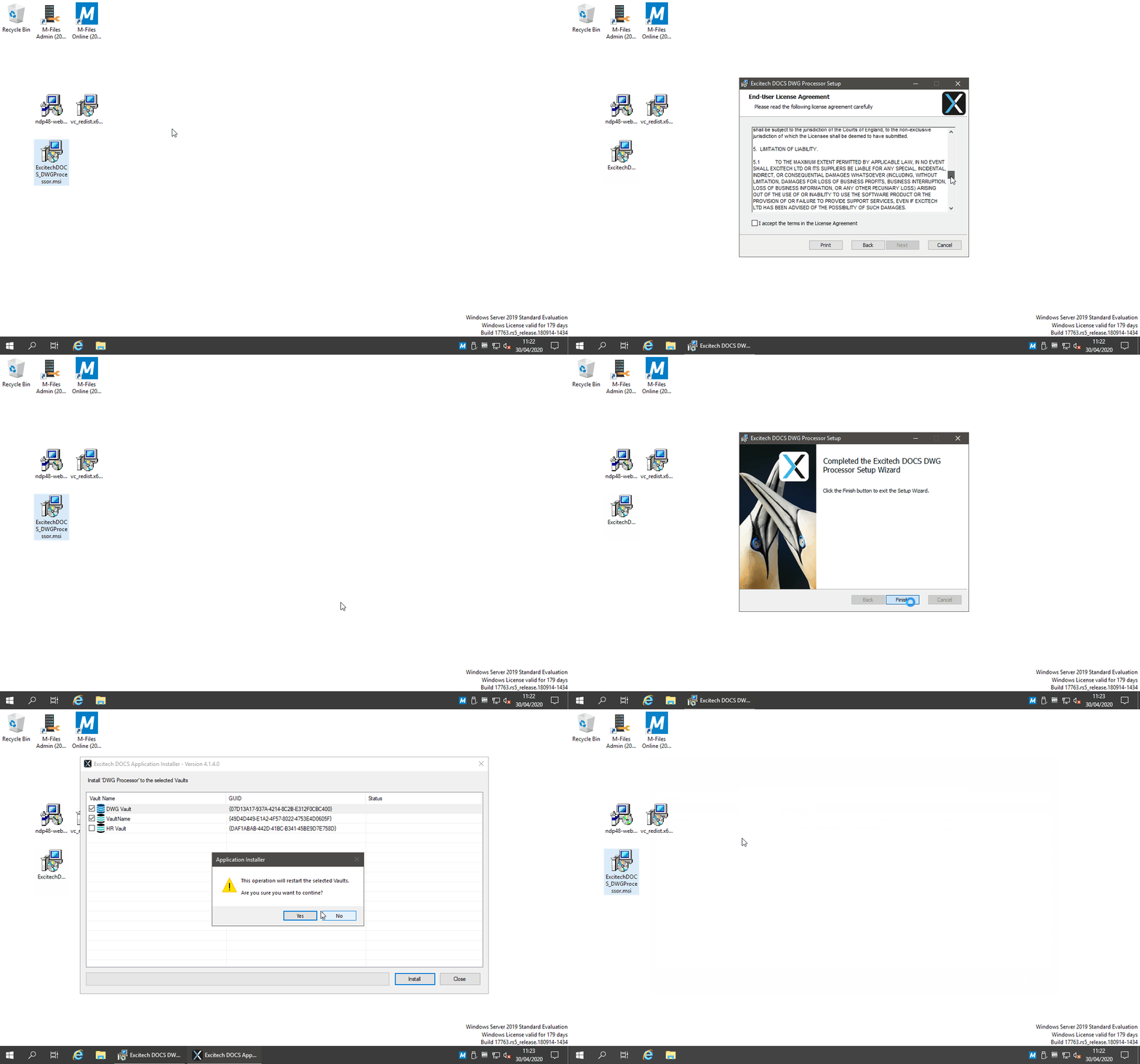
To install the DWG Processor Application, run the Pentagon DOCS DWG Processor <version>.msi on the M-Files Server.
As the installer completes, the PentagonDocs Assistant Application Installer' is launched at which time you can select the Vault(s) that you wish to add the DWG Processor'.

NOTE: The installation will take the targeted vaults off-line, while the application is installed. This happens when the installer has finished. This stage can be cancelled and the application installed manually from C:\Program Files\Pentagon DOCS\Server\DWG Processor\ExDOCS_DWGProcessor_Server.mfappx.
NOTE: By default the Pentagon DOCS Administration Utility is not installed. You can choose to install the Administration Utility on the M-Files server and/or a client PC during the Pentagon DOCS Client install.
Also See
Prerequisites
DCOM Settings